
PackEye allows an end user to record their process on the packing terminal into a video file. This will start recording from the moment Order Details appear on screen up to 30 seconds after the label is generated.
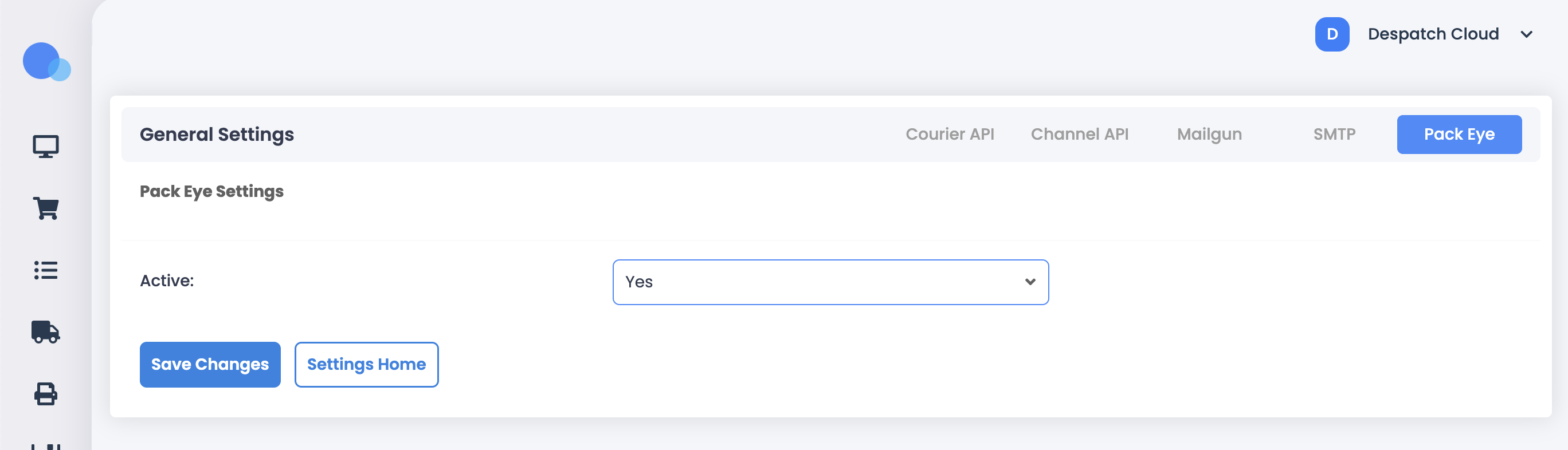
To enable this in Warehousing v3.5 & v3.6, go to Settings > Integrations and view the PackEye tab. Set Active to Yes and press Save Changes.
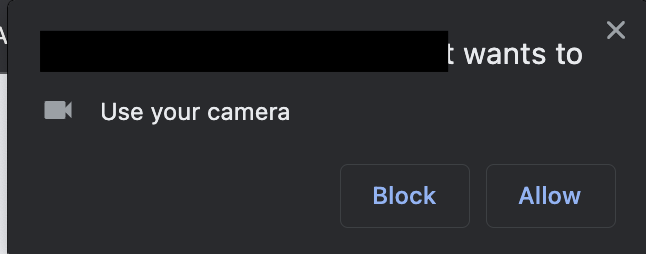
Once this is set, go to Dispatch any order, and you will see this prompt in the top left corner of your browser. In order for PackEye to work, you must allow Permission:
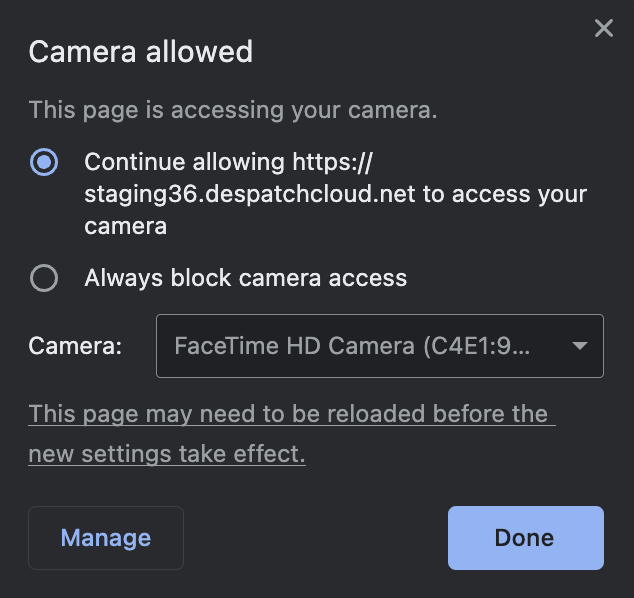
Once this is done, PackEye will immediately start recording, however, you may need to change input sources if you have multiple video input devices on your computer. You will see a webcam icon to the right of your address bar of your browser where you can change the input camera to another video input device:
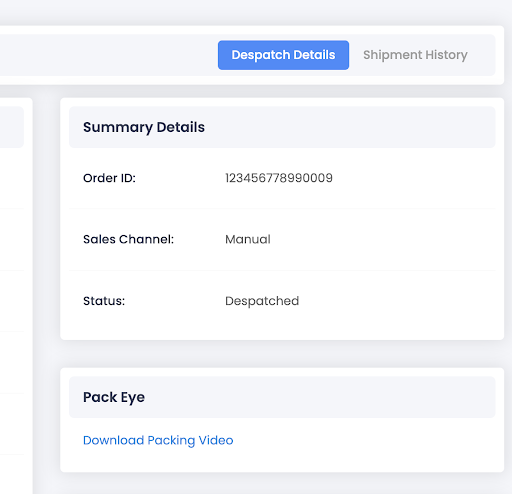
The video is then attached to the order and can be played back any time. You can view the video by going into the Order's Despatch Details and clicking the Download Packing Video Link.
The videos are stored for a maximum of 1 calendar month from the moment the order is despatched before they're deleted.